GPT-6 Astra
Top-tier quality for strategic analysis, document-intensive knowledge work and complex coding.
Speed
Quality
Cost advantage
Discover what you can do with AI-Corporate: from writing emails and quotes to searching documents, writing up meetings, analyzing figures and automating recurring work.
The features are organized by application, so you can quickly see what AI can do for your team.
Choose an application and immediately see which features belong to it, with examples from practice.
The foundation under all applications: the strongest language, image and speech models from OpenAI, Anthropic, Google and Mistral in one environment. Employees choose the right model for each task, without separate accounts.
For whom: All employees · IT and administration
See examplesFor everything you write and send: emails, quotes, newsletters, social posts and presentations. A good first draft faster, in your organization's tone and house style.
For whom: Marketing · Sales · Management
See examplesFor working with what your organization already knows: summarize, search and query contracts, handbooks, procedures and reports. You capture important knowledge in a shared knowledge base.
For whom: HR · Finance · Management
See examplesFor meetings and conversations: have meetings written up into minutes and action items, summarize customer conversations and think out loud with AI. Handy on the go and between appointments.
For whom: Management · Sales · Customer service
See examplesFor up-to-date information and figures: explore markets and competitors, have sources included and have Excel or CSV files analyzed, with calculations that AI actually performs.
For whom: Management · Marketing · Finance
See examplesFor recurring work: assistants your team shares, workflows with fixed steps and integrations with Outlook, Teams, SharePoint, Google and automation tools such as n8n and Zapier.
For whom: Customer service · Operations · IT and administration
See examplesFor control over the environment: who has access, which models and tools are available, how personal data is protected and what usage costs.
For whom: IT and administration · Management
See examplesAI-Corporate keeps evolving. Here you can see which features have recently been added or improved.
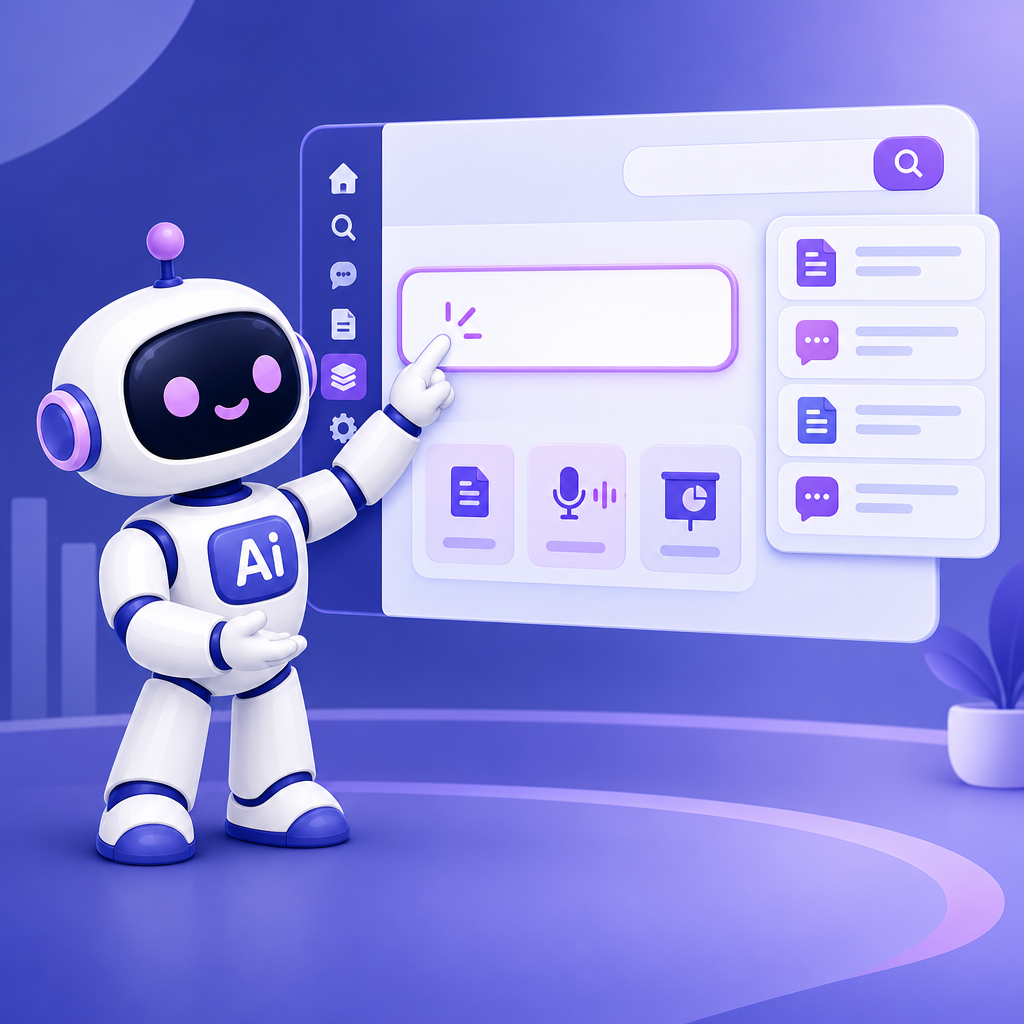
AI-Corporate has a calmer look and a redesigned dashboard. The menu is on the left, the prompt field stands out more, and quick-start options appear below it. It’s also easier to find previous work, so you can get back to your task faster.
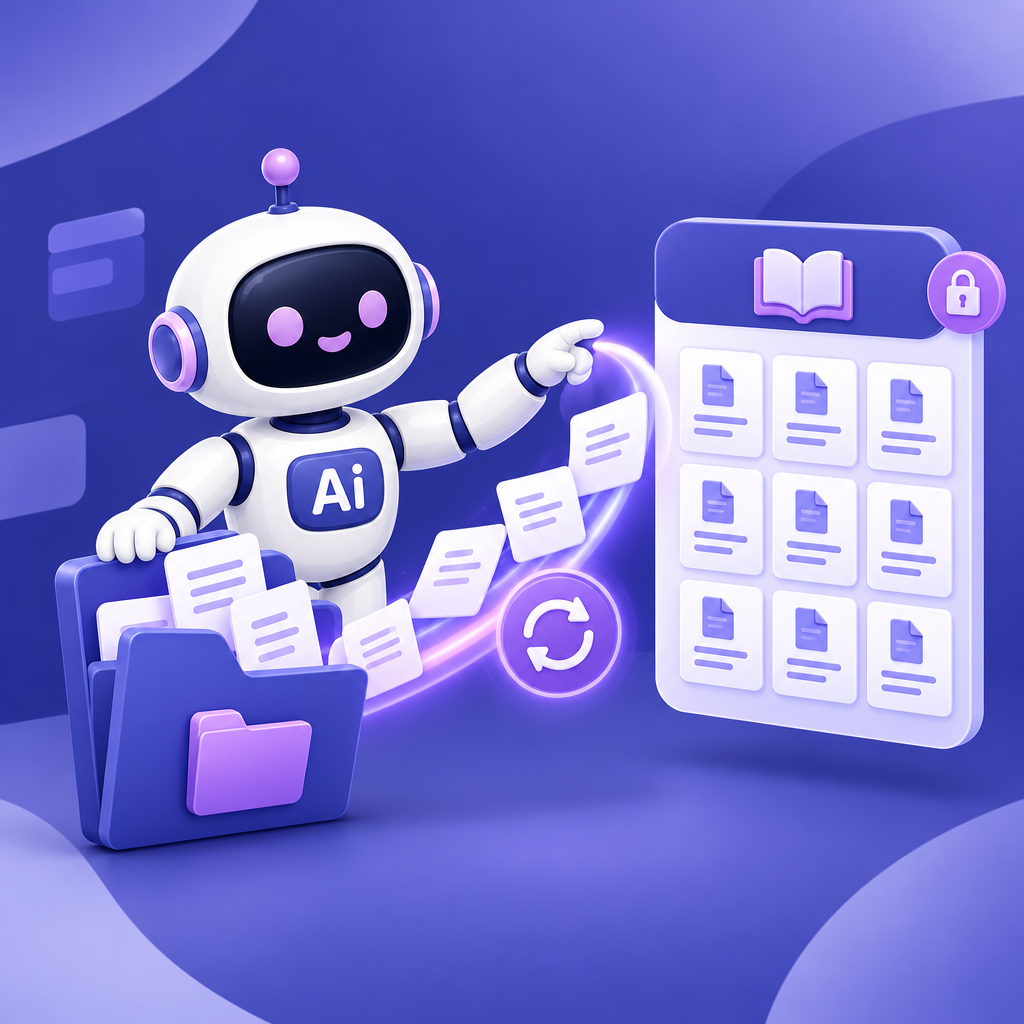
A SharePoint folder can now serve as a central source for the AI-Corporate knowledge base. Documents in the folder and its subfolders are processed and updated. Administrators use the scope, target audience and publication status to determine who can access the knowledge.
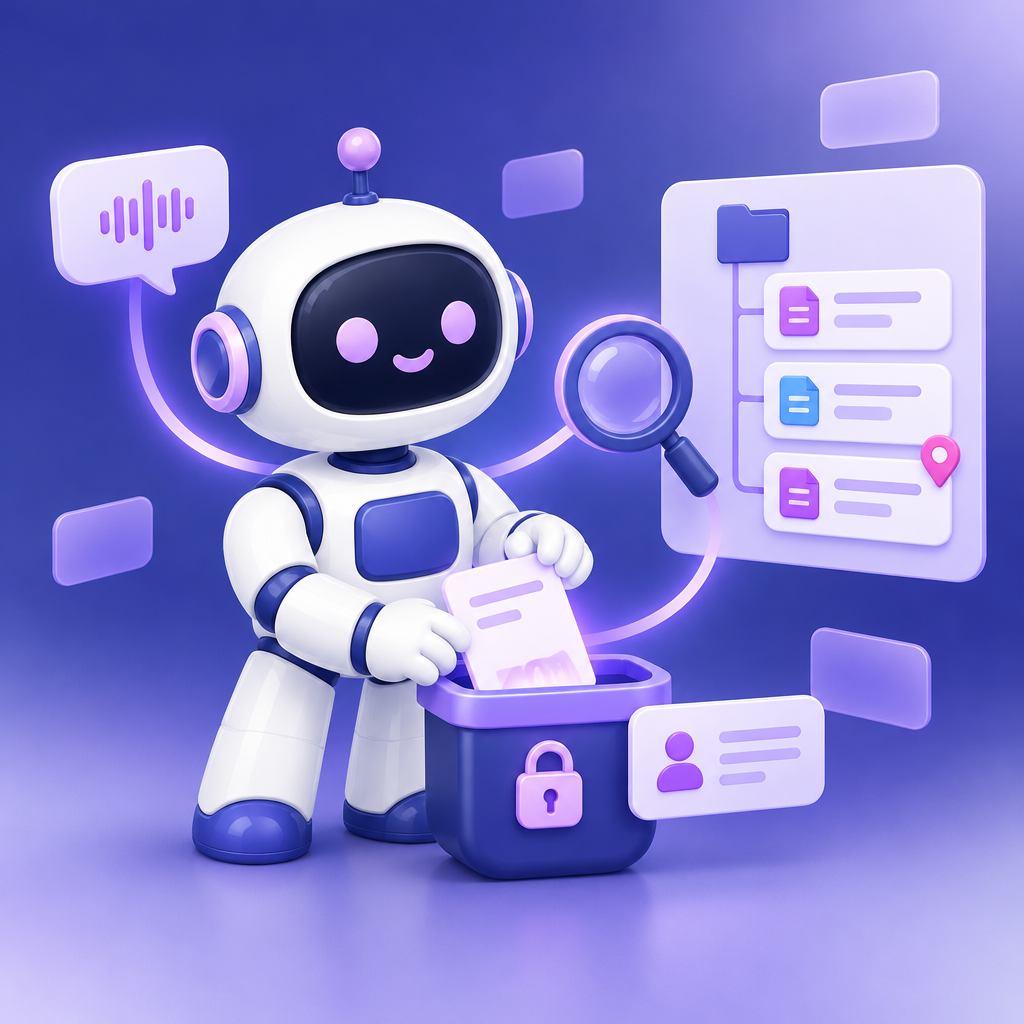
The refreshed Knowledge Base brings organizational knowledge and your own notes together. You can search for information and pin important items. With your personal knowledge base, you can save insights from chats or voice conversations so AI-Corporate can use them again later.
This overview comes straight from the app. New or better models appear here as soon as they are available.
Top-tier quality for strategic analysis, document-intensive knowledge work and complex coding.
Top-tier Claude quality for in-depth analysis, planning, coding, long-context workflows and decision-making.
Top-tier Google quality for in-depth analysis, knowledge work, multimodal workflows and large document contexts.
European top model that thinks first, for analysis, writing, planning and multimodal workflows.
Ideal for complex knowledge work, analysis, documents and high-quality writing.
The latest Sonnet variant for agentic workflows, high-quality analysis and writing, planning and coding.
A high-quality Google model for analysis, knowledge work, search and grounding tasks, and multimodal business workflows.
A high-quality Mistral model for business analysis, agentic tasks, content, coding and multimodal workflows.
A model processed in Europe for programming, building documents and long, multi-step tasks. It can’t read images.
Great for everyday knowledge questions, summaries and first drafts.
A fast Claude Haiku variant for everyday knowledge questions, summaries and internal communications.
A cost-effective Gemini variant for common business interactions, summaries and support.
Cost-effective European support for practical business interactions, summaries and internal assistance.
Ideal for communications materials, presentation images and polished visuals.
Great for concept visuals, presentation sketches and quick iterations for communications.
Fast Google image generator for concept visuals, communications and iterative image editing.
Cost-effective Google image generator for concept visuals, communications and quick iterations.
FLUX.2 [pro] preview for high-quality, generic production and marketing visuals without source images or personal data.
Flexible FLUX.2 variant for creating new, generic concept visuals without source images or personal data.
Ideal for internal audio, instructions, voice-overs and spoken summaries.
The latest Gemini TTS model for voice-overs, training materials and carefully produced audio.
A European TTS option for internal audio, instructions and spoken summaries.
European transcription option for meetings, interviews and internal conversations with speaker recognition.
A large part of the working day is spent writing: answering emails, drawing up quotes, creating newsletters and preparing presentations. AI-Corporate helps you create a good first draft faster, improve or translate texts and save the result directly as a Word, PDF or PowerPoint file in your organization's house style.
A lot of work starts with existing documents: a contract, an employee handbook, a procedure or a report. Upload them to AI-Corporate and ask questions about them, have them summarized or compare multiple versions. You capture knowledge that everyone needs in the knowledge base, so employees and AI use the same, up-to-date information.
After a meeting, you want minutes and clear agreements quickly. With transcription, AI-Corporate converts a recording into text, recognizing who is speaking, and turns it into a summary, a list of decisions or action items. With voice chat, you talk out loud with AI, for example to develop an idea or rehearse a presentation.
Language models do not know everything about today. With internet search, AI-Corporate retrieves up-to-date information and cites its sources. For figures and calculations, you have AI run real code, so analyses and charts are accurate instead of estimated.
Search for up-to-date information on markets, competitors, regulations or news and have sources included in the answer.
Have AI do calculations, analyze tables and create charts based on your own Excel or CSV files.
Create or find images and use location and route data, for example for planning or field service.
You do not need to explain recurring work over and over again. Create an assistant with fixed instructions and files and share it with your team. Workflow assistants guide someone step by step through a fixed process. With integrations, AI-Corporate works together with the systems you already use.
Capture a way of working once and use it with the whole team, from customer questions to purchasing.
Use information from email, calendar and files directly in the chat.
Connect your own applications and automations, or work with local files via the desktop app.
AI-Corporate is not a loose collection of AI tools, but one manageable environment. Employees log in with their business account. Administrators decide which models and tools are available, protect personal data and keep track of usage and costs.
Log in with the business account and access that suits the organization.
Decide which models, tools and features are available and set usage limits.
Protect personal data before it reaches an AI model and keep an eye on risks.
A recognizable environment and insight into usage and costs.
This page shows what is possible. Even better is to see it and try it yourself. Choose what suits you: a short online demo, demo accounts to test with or a conversation about implementation.
Watch the short presentation and pick a time in the online calendar. We show how AI-Corporate works in practice and answer your questions.
Plan an online demoTry AI-Corporate yourself with a group of colleagues. Demo accounts are free and valid for 30 days, for up to 20 people.
Request demo accountsWant to connect AI-Corporate to your own systems or automate work processes? Together with HandiHow, we look at what suits your organization.
View the optionsCurious about the costs? View pricing